
2026-07-10 16:37
intro.html
Intelligent Robotics


This documentation presents the RoboDK API for Python. With the RoboDK API you can create robot simulations and generate brand-specific...
About Us
intro.html

Company introduction
This documentation presents the RoboDK API for Python. With the RoboDK API you can create robot simulations and generate brand-specific programs for robots using a universal programming language. Whereas you can use the graphical user interface to create programs, you can extend RoboDK capabilities using a programming language such as Python. The RoboDK API for Python integrates all the offline programming features of the RoboDK simulator and allows you to deploy automated applications for a large variety of robots and mechanisms. https://robodk.com/doc/en/RoboDK-API.html#PythonAPI https://robodk.com/offline-programming https://www.youtube.com/watch?v=1hRRYr9bEsY https://github.com/RoboDK/RoboDK-API/ robodk: this package is the distributed entry point of the Python API. It is the common parent of all sub-packages and modules. robolink: this sub-module is the link between RoboDK and Python. Any item from the RoboDK item tree can be retrieved. Items are represented by the object Item. An item can be a robot, a reference frame, a tool, an object or a specific project. robomath: this sub-module is a robotics toolbox, inspired from Peter Corke’s Robotics Toolbox: https://petercorke.com/toolboxes/robotics-toolbox/. For instance, matrix operations, projection, timers, etc. robodialogs: this sub-module is a dialogs toolbox. For instance, open and save file dialogs, message prompts, etc. robofileio: this sub-module is a file operation toolbox. File properties, CSV, FTP, etc. roboapps: this sub-module is a RoboDK Apps toolbox. More info here: https://github.com/RoboDK/Plug-In-Interface/tree/master/PluginAppLoader With the RoboDK API, it is possible to simulate and program robots for applications as simple as pick and place or as complex as synchronizing the movements of many robots. RoboDK API example using Python: The same script used for simulation can be used for offline programming, which means that the appropriate program can be generated for the robot being used. RoboDK supports a large number of robot controllers and it is easy to include compatibility for new robot controllers using Post Processors. A quick overview of RoboDK Processors is provided in the following video: https://robodk.com/help#PostProcessor To install the robodk package for Python manually, type: When you run programs from RoboDK you don’t need to have the RoboDK API for Python installed as RoboDK automatically sets the Python path to the RoboDK/Python folder which contains the required modules. More information available in the PyPi page: https://pypi.org/project/robodk/ Notepad++: https://notepad-plus-plus.org/ Visual Studio Code: https://code.visualstudio.com/ (the Python plugin must be installed) PyCharm: https://www.jetbrains.com/pycharm/ RoboDK uses Python 3 by default. The robodk package is also compatible with Python 2. Download and install RoboDK if don’t have RoboDK: https://robodk.com/download Follow these steps to verify if Python is working properly: Select Program-Add Python Program. A new Python item will appear called Prog1 Double click the new Python program. A message should be displayed, provoked by an error raised inside the script. The message should list all items available in the station. Right click the new program and select “Edit Python script” to modify it. If a different message is displayed it means that RoboDK does not detect Python. If Python was installed properly it is possible to adjust the following settings for RoboDK to use Python properly: Tools-Options-Other If you already installed RoboDK for Windows you should have Python 3 installed. If you didn’t install RoboDK with the Python option checked, install Python from the following link: https://www.python.org/downloads/windows/ RoboDK and Python must be installed separately on Mac computers. Download Python for Mac here: https://www.python.org/downloads/macos/ Python 2 might be already installed on recent Mac computers. In that case it is not required to install Python. RoboDK uses the folder /RoboDK/Python as PYTHONPATH for the modules. RoboDK and Python may have to be installed separately on Linux. Download Python for Linux here: https://wiki.python.org/moin/BeginnersGuide/Download Python 2 is installed by default with Ubuntu. In that case it is not required to install Python. RoboDK uses the folder /RoboDK/Python as PYTHONPATH with the corresponding modules. 1.2. RoboDK API for Matlab¶ A Matlab version of the RoboDK API is available here: https://robodk.com/Matlab-API A C# version of the RoboDK API is also available (based on the Nuget package). More information here: https://robodk.com/doc/en/RoboDK-API.html#CsAPI C# reference (based on Nuget package): https://robodk.com/doc/en/CsAPI/index.html A C++ version of the C++ API is available here: C++ reference (based on Qt C++): https://robodk.com/doc/en/CppAPI/index.html
Products & Solutions
Explore our products
Products & capabilities
Explore company productsCompany News
Latest Updates
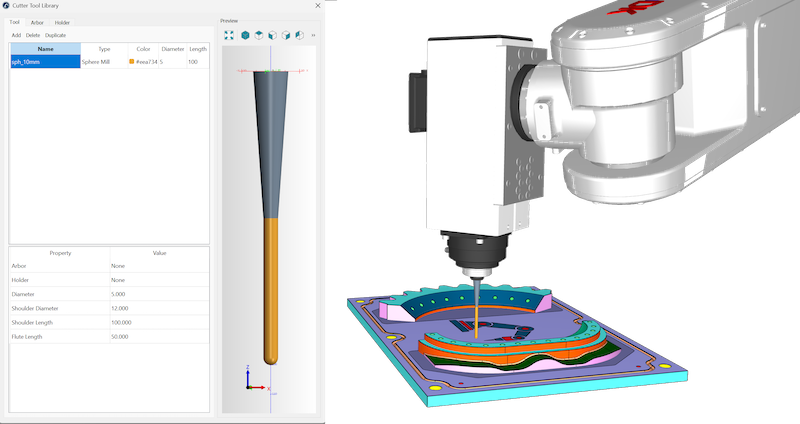
Read update
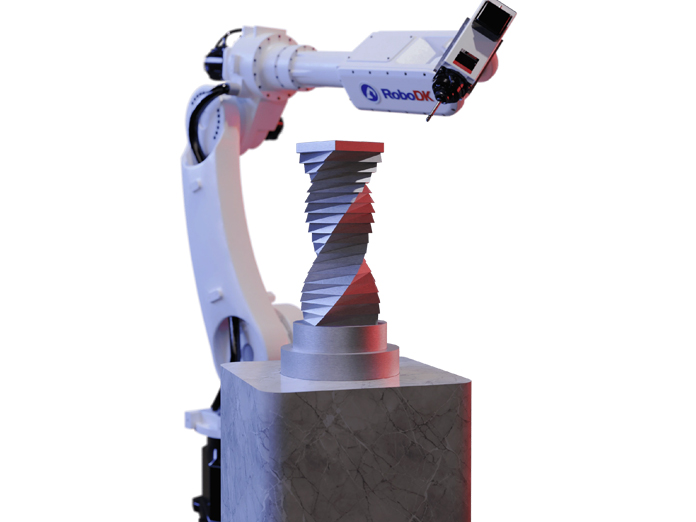
2026-06-28 09:00
Automate 2026:RoboDK 展示新的 CAM 软件,可节省机器人加工部署时间
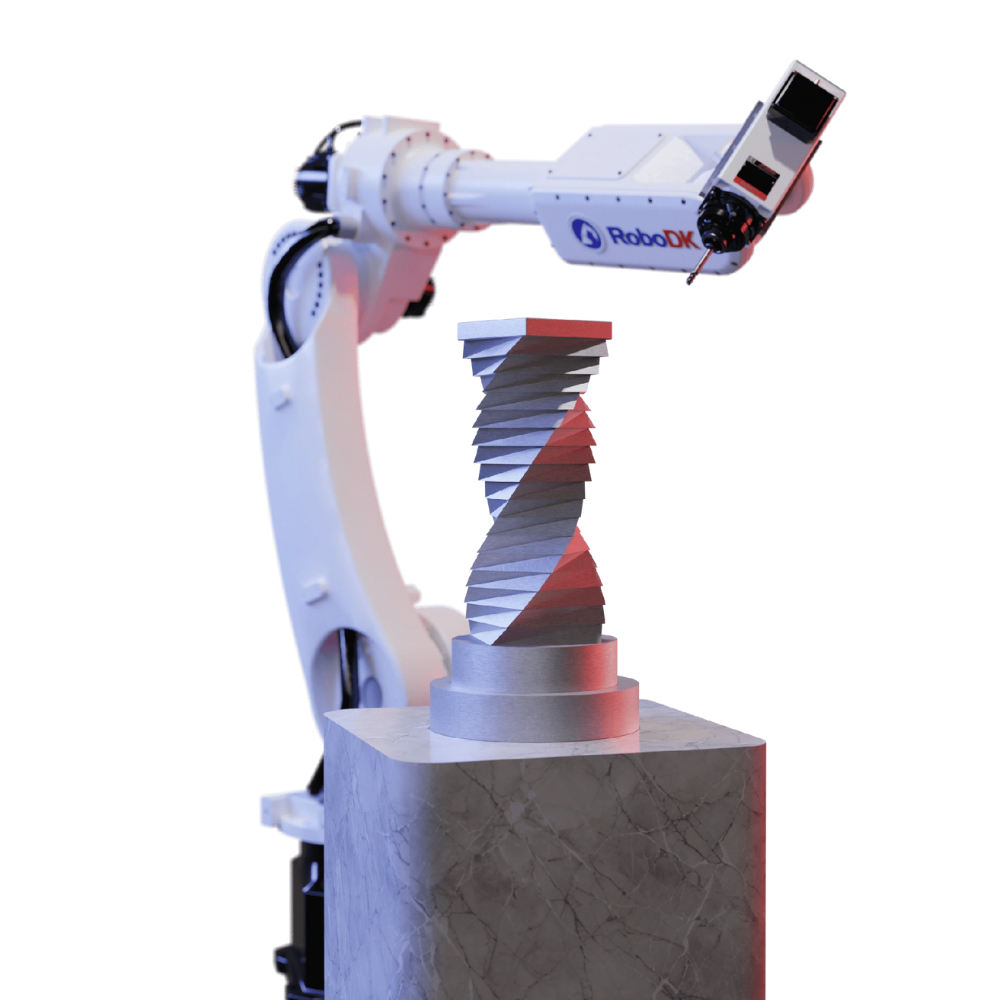
2026-02-16 08:00
RoboDK 推出 RoboDK CAM 以加速机器人加工部署并简化自动化
Company Channels
Explore more
About
View channelCatalog
View channelProducts
View channelNews
View channelCertifications
View channelContact
View channelBrands
View channelVideos
View channelPartners
View channelStart a Conversation
Have a project in mind?
Contact intro.html to discuss your requirements.